
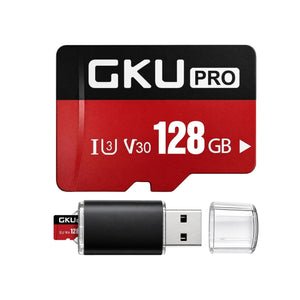
128GB Micro SD Card
U3 V30, 4K UHD Recording, up to 100MB/s
Confirm fit and availability before orderingExplore GKU dash cam accessories for power, storage, mounting, and camera connections. Choose an accessory by your exact camera model and connector before ordering. A hardwire kit can support a compatible parking setup, while a suitable microSD card stores footage in the camera. Replacement mounts, rear cameras, and cables need the right fit and connection type. Our accessory range spans these practical needs, but compatibility and package contents differ across products. Use the accessory names below to narrow your choice, then confirm the current model fit, included parts, and installation instructions with the seller or product manual before purchase.
U3 V30, 4K UHD Recording, up to 100MB/s
Confirm fit and availability before ordering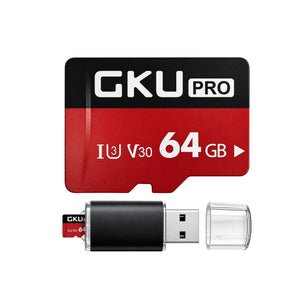
U3 V30 with USB Card Reader, continuous loop recording
Confirm fit and availability before ordering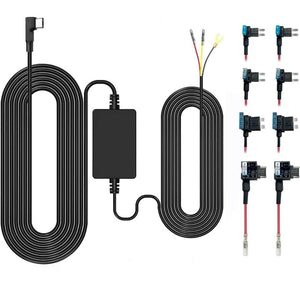
3M cable, fuse tap, low voltage protection for 24H parking
Confirm fit and availability before ordering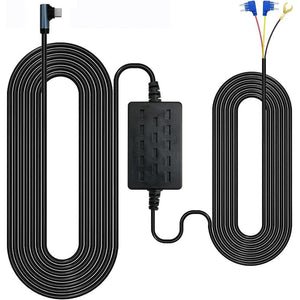
12V-24V to 5V, low voltage protection for 24H parking monitoring
Confirm fit and availability before ordering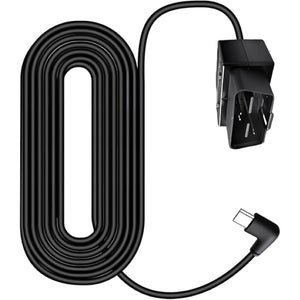
12V-24V to 5V, 3-meter, adjustable, low voltage protection
Confirm fit and availability before ordering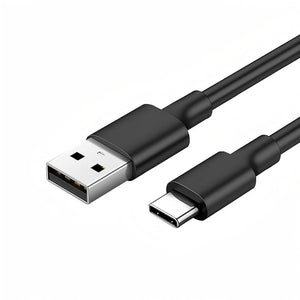
Stable charging cord for car dashboard camera
Confirm fit and availability before ordering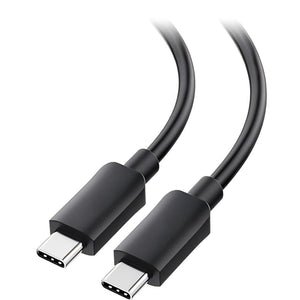
Durable in-car power cord, stable fast charge (9.8ft)
Confirm fit and availability before ordering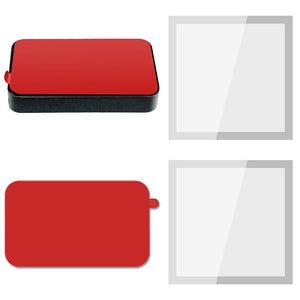
Original holder with 2 static stickers & 2 3M adhesive pads
Confirm fit and availability before ordering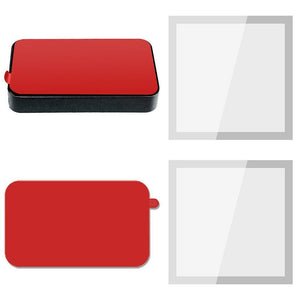
Original holder with 2 3M adhesive pads & 2 electrostatic stickers
Confirm fit and availability before ordering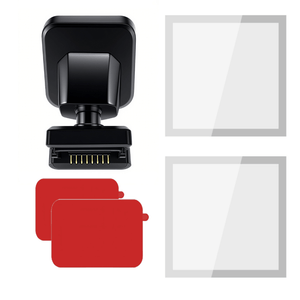
Original holder with GPS, 2 static stickers & 2 3M adhesive pads
Confirm fit and availability before ordering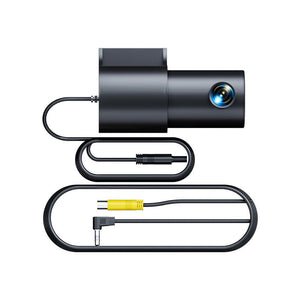
4-pin, 6M extension cable, easy installation
Confirm fit and availability before ordering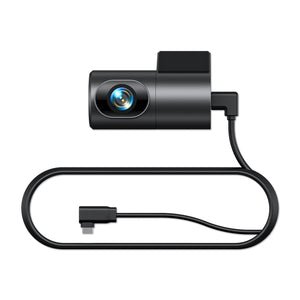
Universal rear view recorder with 6M extension cable
Confirm fit and availability before orderingMount the camera where its lens has a clear view and the device does not obstruct the driver. Follow your vehicle rules and the selected model instructions; confirm that the adhesive mount fits the camera.
Follow the formatting instructions in your GKU model manual. Back up any footage you need first, because formatting erases the card. Confirm the supported file system and capacity for your exact camera.
The right capacity depends on the camera model and recording mode. Check the selected GKU model specifications for its maximum supported microSD capacity and card requirements.
Use a hardwire kit compatible with the camera connector and your vehicle electrical system. Follow the kit and vehicle instructions, or ask a qualified installer if you are unsure about fuse selection or wiring.
Follow the mount instructions and work slowly to avoid damaging the glass or surrounding trim. Check whether the mount uses an adhesive pad or removable film, and replace worn adhesive before reinstalling.